Connecting Accounts
In addition to KDP, Book Report supports importing data from several wide publishing platforms and supports direct sales through BookFunnel.
Wide Accounts
- Visit the Settings tab.

- Click the "Connect an Account" button, and select your desired distributor.
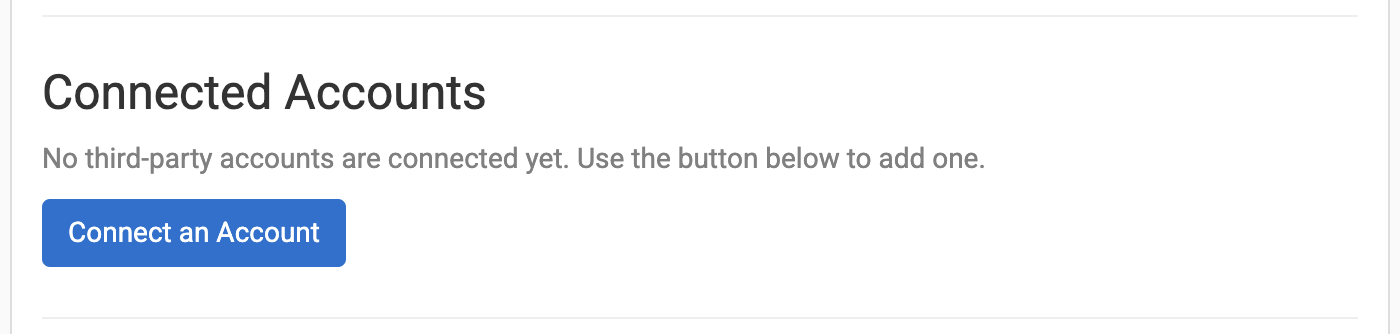
- Book Report's browser extension needs permission to import your data from each distributor. If you haven't granted this permission, you will be prompted to do so.
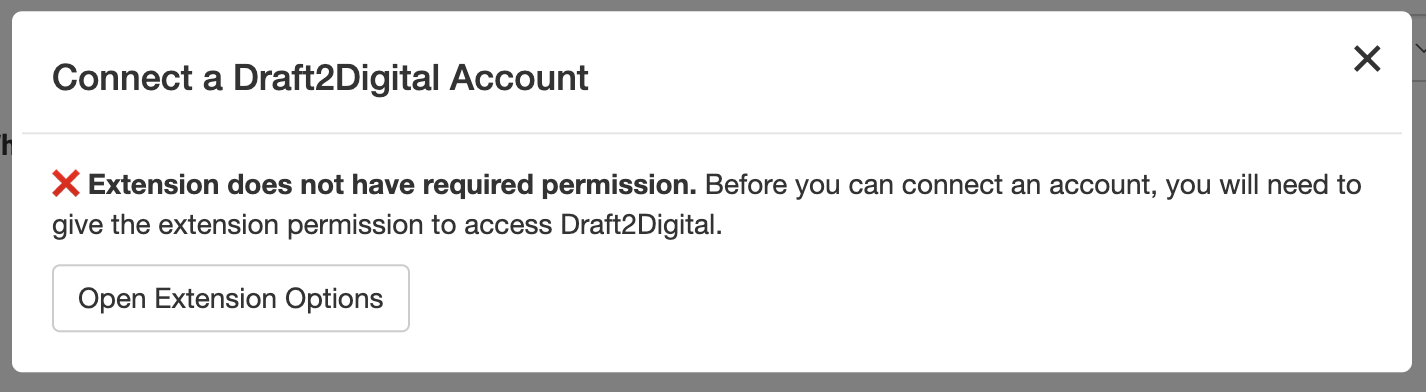
Click "Open Extension Options"
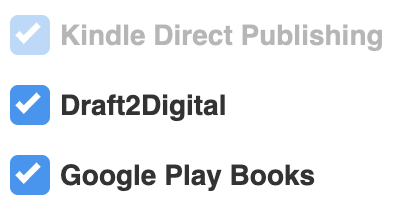
Check the box for the distributor you'd like to connect.
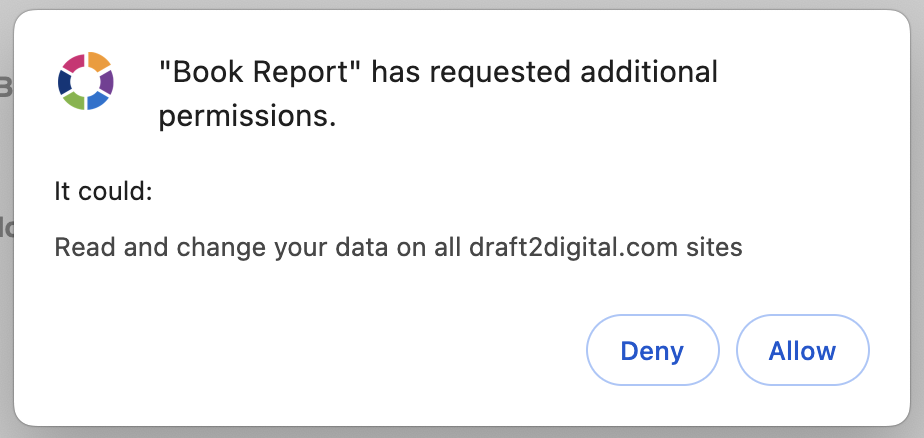
Click "Allow".
- Book Report will fetch account details and ask for confirmation when needed. If things look right, click "Connect this account".
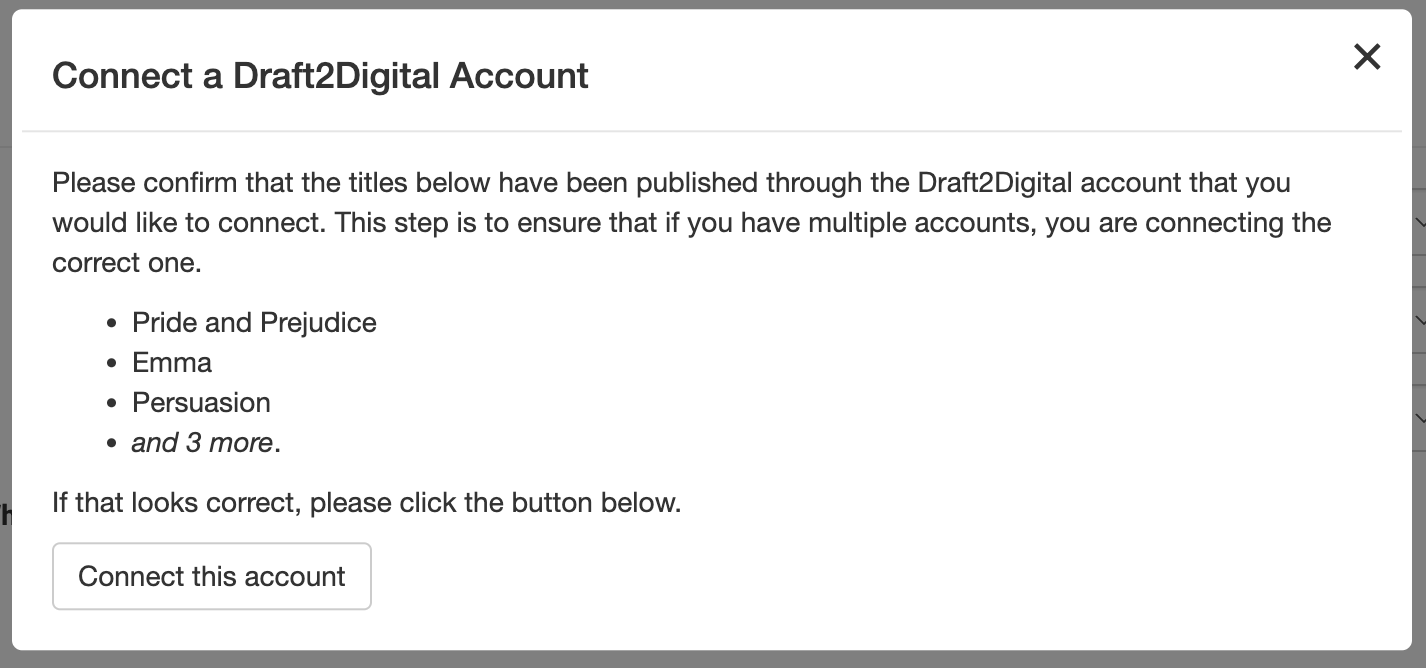
- That's it! Book Report will start importing your data. Please note that your data may not appear, or may appear incomplete, until the spinner in the top left disappears.
Data from some distributors is updated every day, but other distributors only provide data after the month is complete. For more information, see the Precise Data Sources page.
Supported Wide Distributors
Alongside KDP, Book Report supports the following distributors:
- Draft2Digital
- Google Play Books
- Kobo Writing Life
- Barnes & Noble Press
- ACX
- IngramSpark
- Findaway Voices
- Apple Books
- Smashwords (once merged with D2D)
- PublishDrive
Direct Sales
If you fulfill your direct sales with BookFunnel, you can track them with Book Report.
Setting up is easy:
- Visit the Settings tab.
- Click the "Connect an Account" button, and select BookFunnel under Direct Sales.
-
Book Report will show a short note about direct sales limitations. Click "Continue" when you're ready.
-
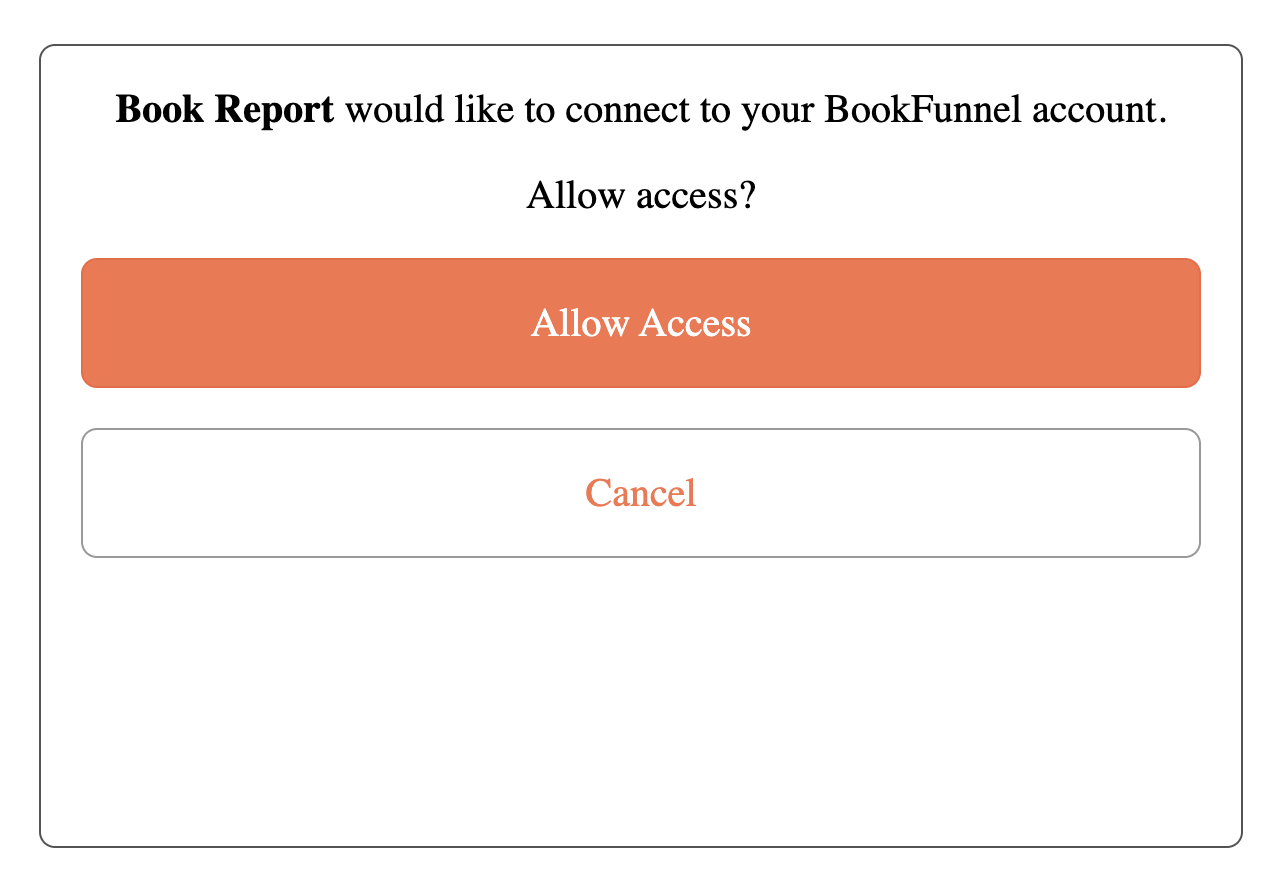
You’ll be redirected to BookFunnel. Click "Allow Access".
-
Book Report will then walk you through the steps of aligning your direct sales catalog with your KDP catalog. This lets us infer complex book metadata, like co-authors and series positions, without asking you to input everything manually.
-
That's it! Once you've done that, Book Report will start importing your direct sales.
There are a few limitations worth keeping in mind:
- For direct sales earnings, Book Report uses the BookFunnel item price after discounts. It does not know your storefront fees, printing costs, shipping costs, taxes, or other expenses.
- Print and merchandise sales are included when BookFunnel reports them, even though those sales are not fulfilled by BookFunnel.
- Step 5 above can take some time, depending on the size of your catalog. If you skip it, you may end up with duplicate books in your reports, and books that are missing their covers, series info, and more. You can complete this process at any time from the Books tab.
- Products that do not map cleanly to existing KDP books may not fit in well with the rest of your sales data. If that sort of product makes up a large portion of your direct sales, consider if this integration will be right for you.
Supported via BookFunnel
- Shopify
- Gumroad
- Payhip
- Fourthwall
- Lemon Squeezy
- SamCart
- Square
- Stripe
- ThriveCart
- Wix
- WooCommerce
Disconnecting an Account
If you'd like to remove an account from Book Report, simply return to the Settings tab and click the "Disconnect Account" button for the distributor you'd like to remove.